OnionShare Logo
  • Installation
  • Connecting to Tor
  • How OnionShare Works
  • Advanced Usage
  • Getting Help
  • Security Design
  • Developing OnionShare
OnionShare
  • OnionShare’s documentation
OnionShare’s documentation

_images/tabs.png

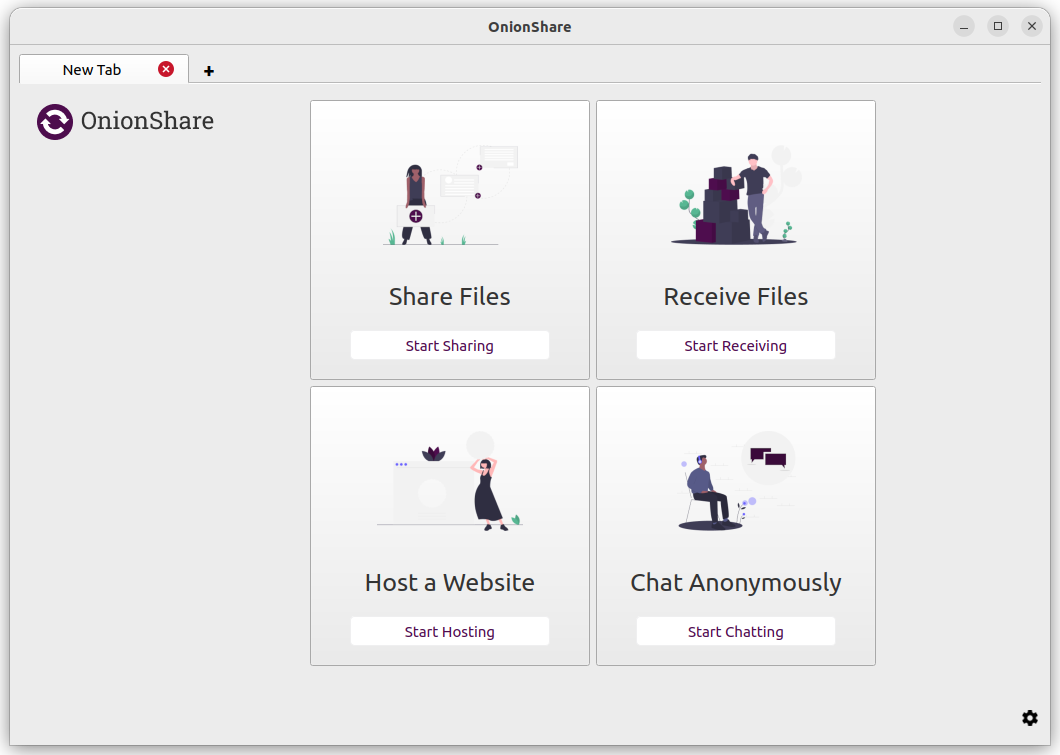
OnionShare is an open source tool that lets you securely and anonymously share files, host websites, and chat with friends using the Tor network.

  • Installation
    • Windows or macOS
    • Mobile
    • Linux
    • Command-line only
    • FreeBSD
    • Verifying PGP signatures
  • Connecting to Tor
    • Automatic censorship circumvention
    • Manually configure Tor settings
  • How OnionShare Works
    • Share Files
    • Receive Files and Messages
    • Host a Website
    • Chat Anonymously
  • Advanced Usage
    • Save Tabs
    • Turn Off Private Key
    • Custom Titles
    • Scheduled Times
    • Command-line Interface
    • Keyboard Shortcuts
    • Migrating your OnionShare data to another computer
    • Configuration file parameters
    • Configuration file parameters for persistent onions
  • Getting Help
    • Read This Website
    • Check the GitHub Issues
    • Submit an Issue Yourself
    • Join our Keybase Team
  • Security Design
    • What OnionShare protects against
    • What OnionShare doesn’t protect against
  • Developing OnionShare
    • Collaborating
    • Contributing Code
    • Starting Development
    • Debugging tips
    • Contributing Translations
Next

© Copyright Micah Lee, et al..

OnionShare v: 2.6.4
Versions
2.3
2.3.1
2.3.2
2.3.3
2.4
2.5
2.6
2.6.1
2.6.2
2.6.3
2.6.4
Languages
English
Shqip
Български
中文 (简体)
Deutsch
Ελληνικά
Gaeilge
Italiano
日本語
فارسی
Polish
Русский
Español
Svenska
Türkçe
Українська
Tiếng Việt